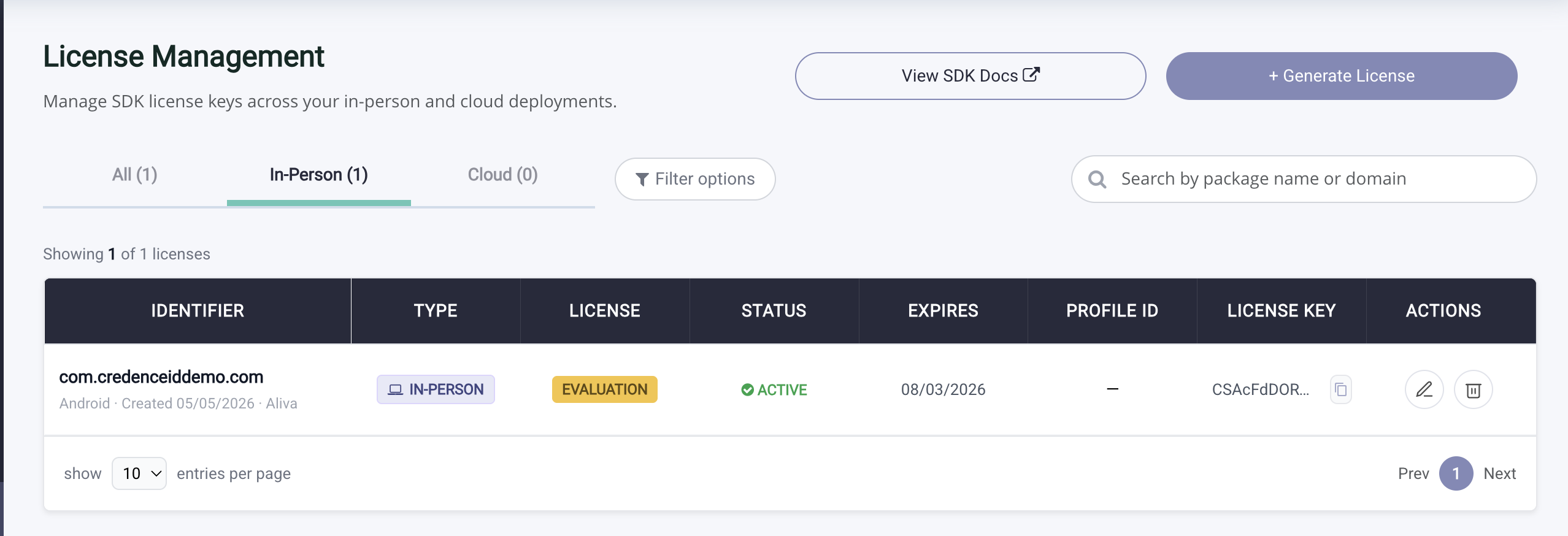
Generate Tap2iD SDK License Key
Generate the license key for in-person verification on Windows, Android, or iOS.
Generate Tap2iD SDK License Key for In-Person Verification
Open License Management
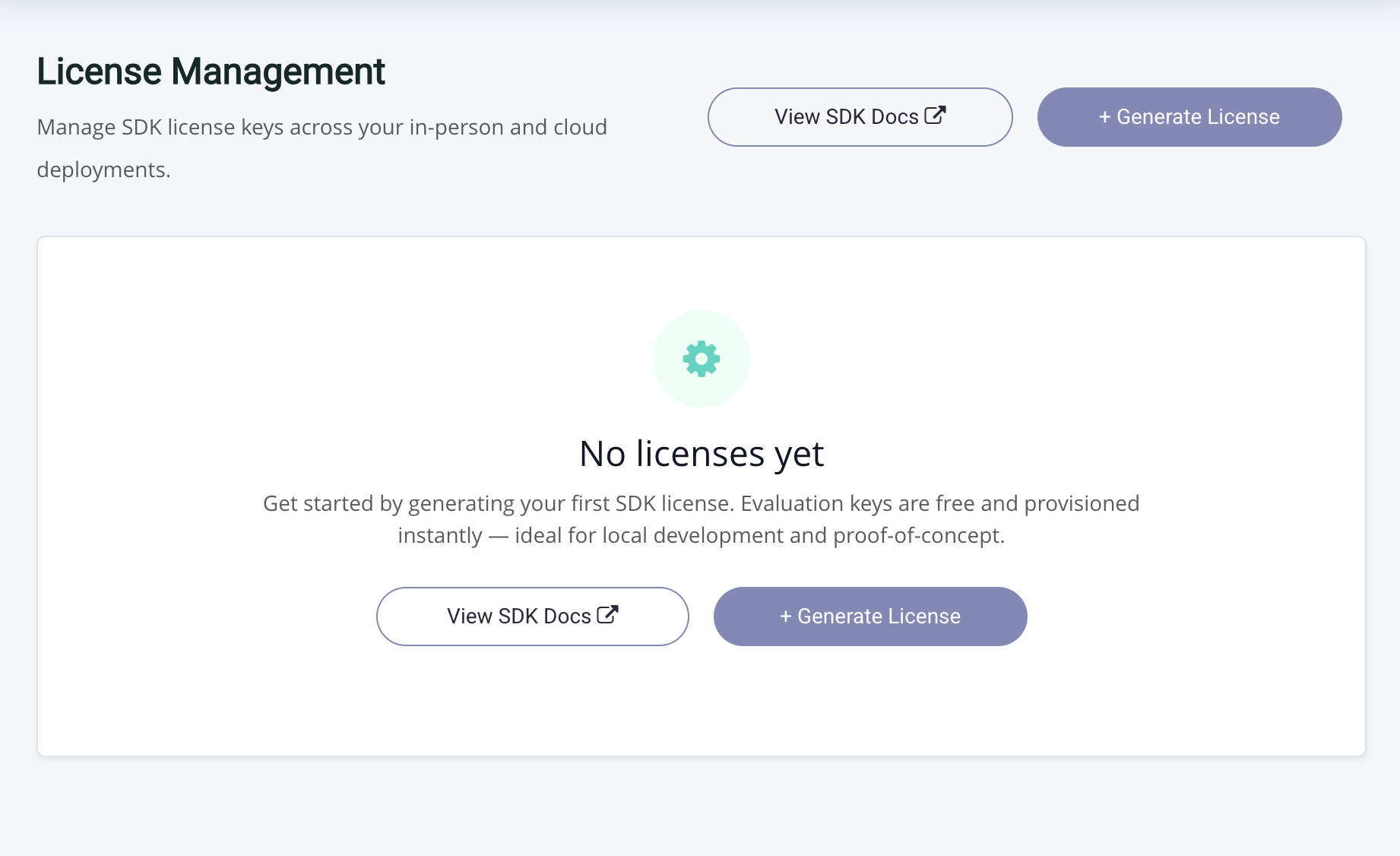
After logging in, open License Management from the top navigation and click on "Generate License".
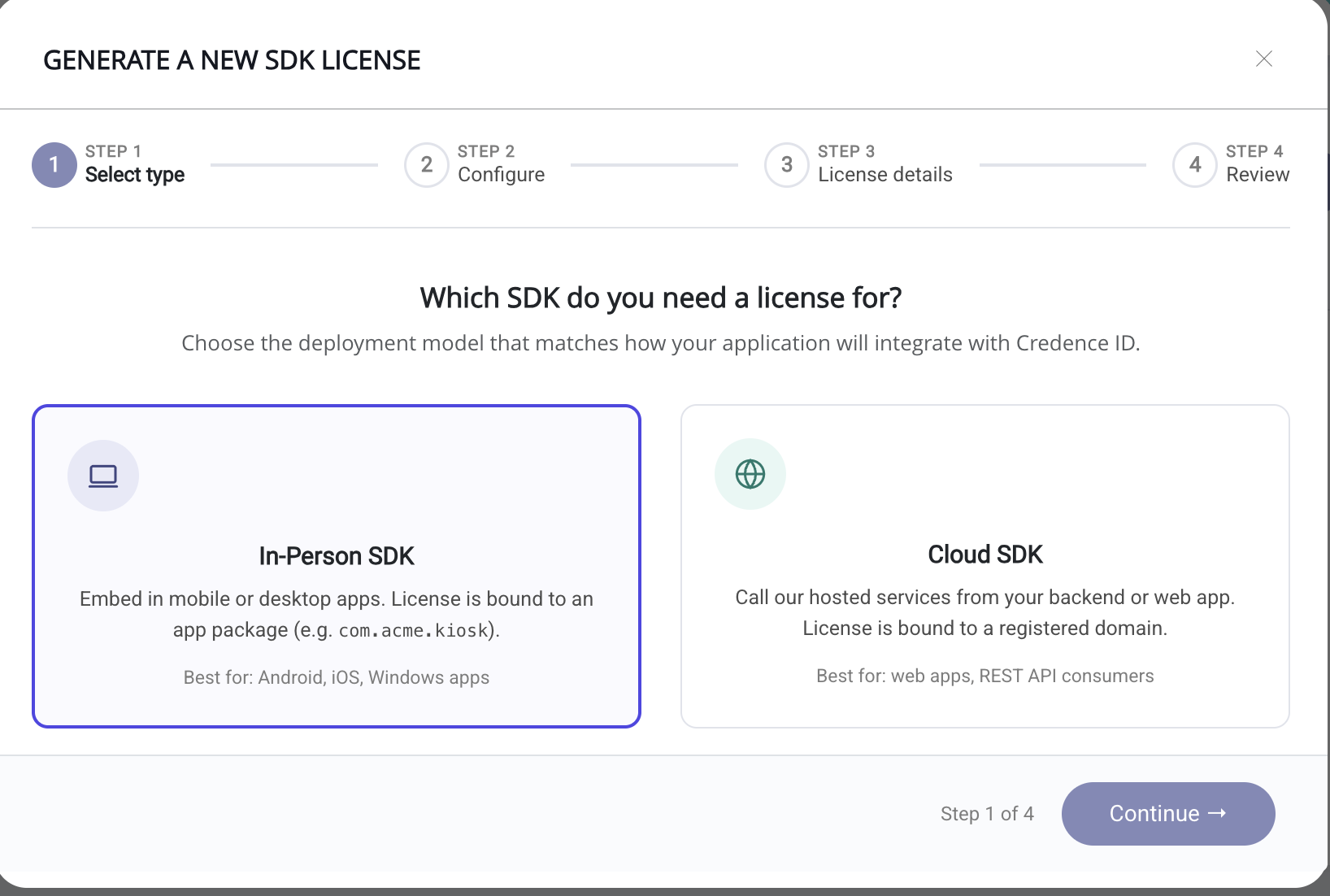
Select In-person SDK
Pick In-person SDK if your app verifies mDLs on a Windows, Android, or iOS device.
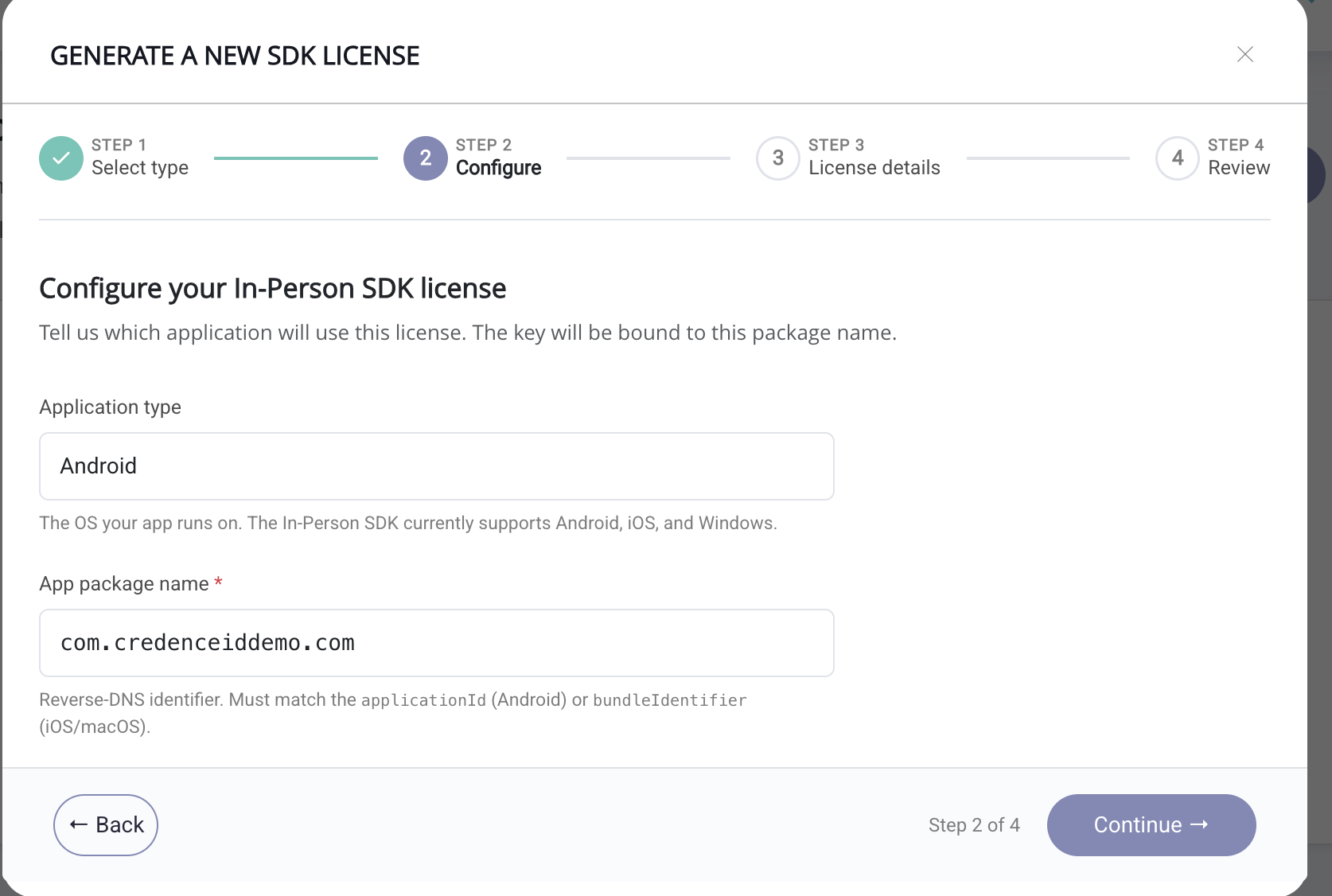
Select Platform and Enter Package Name
Choose your platform: Windows, Android, or iOS. Enter your application's package name and click Continue.
A few notes on the package name:
- It must exactly match the package name declared in your app.
- Each package name must be unique to your account. You cannot register the same package name twice.
Choose License Type
You'll see two license options: Evaluation and Commercial. Evaluation is free for 90 days. Commercial is not available for self-service selection. Select Evaluation and click Continue.
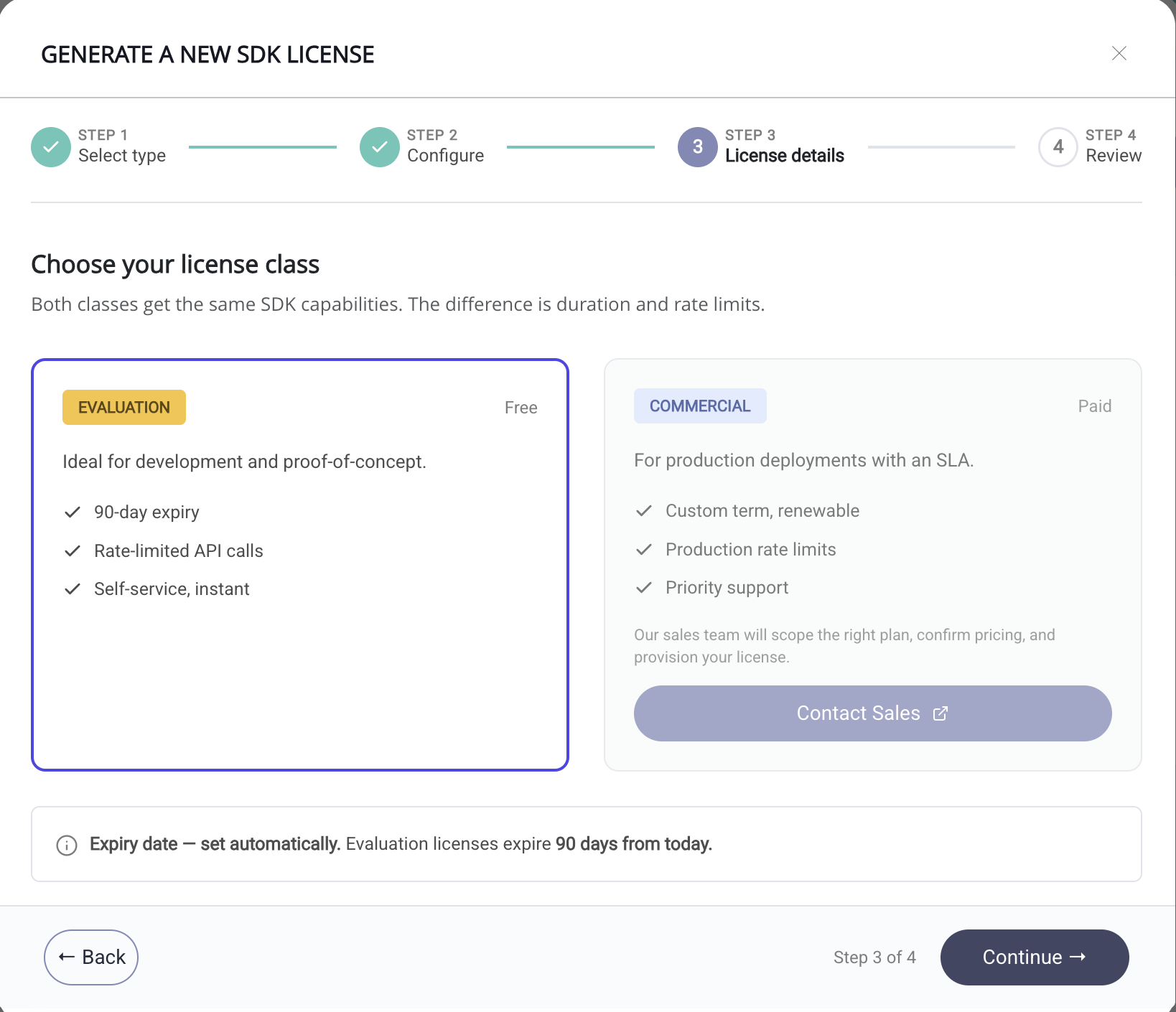
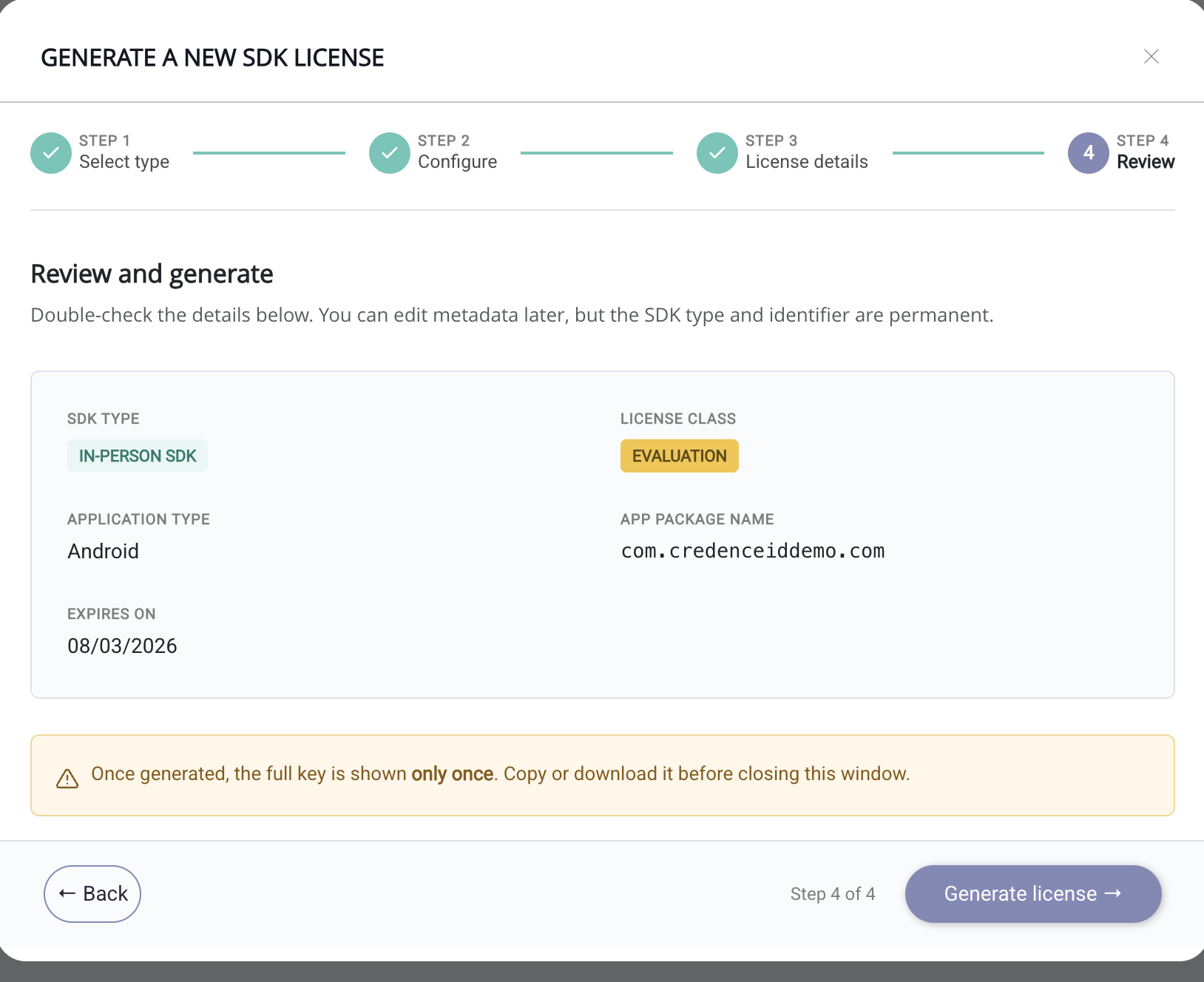
Review and Generate
Review your selections and click Generate License.
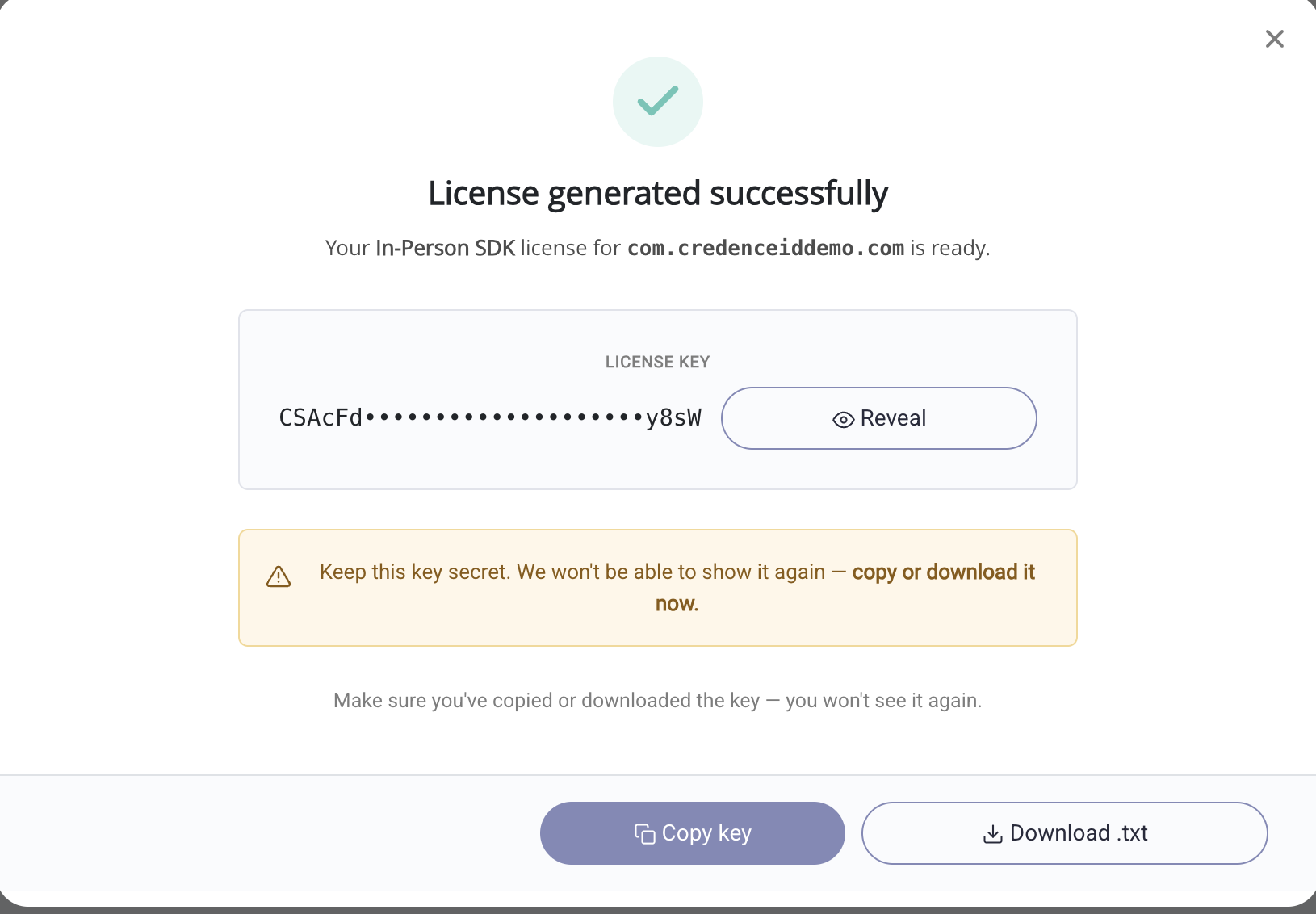
License Generated
Your license key is generated. Copy it or download it from this screen.
View Generated Licenses
Your generated license is listed under the In-Person tab in License Management, as shown below.