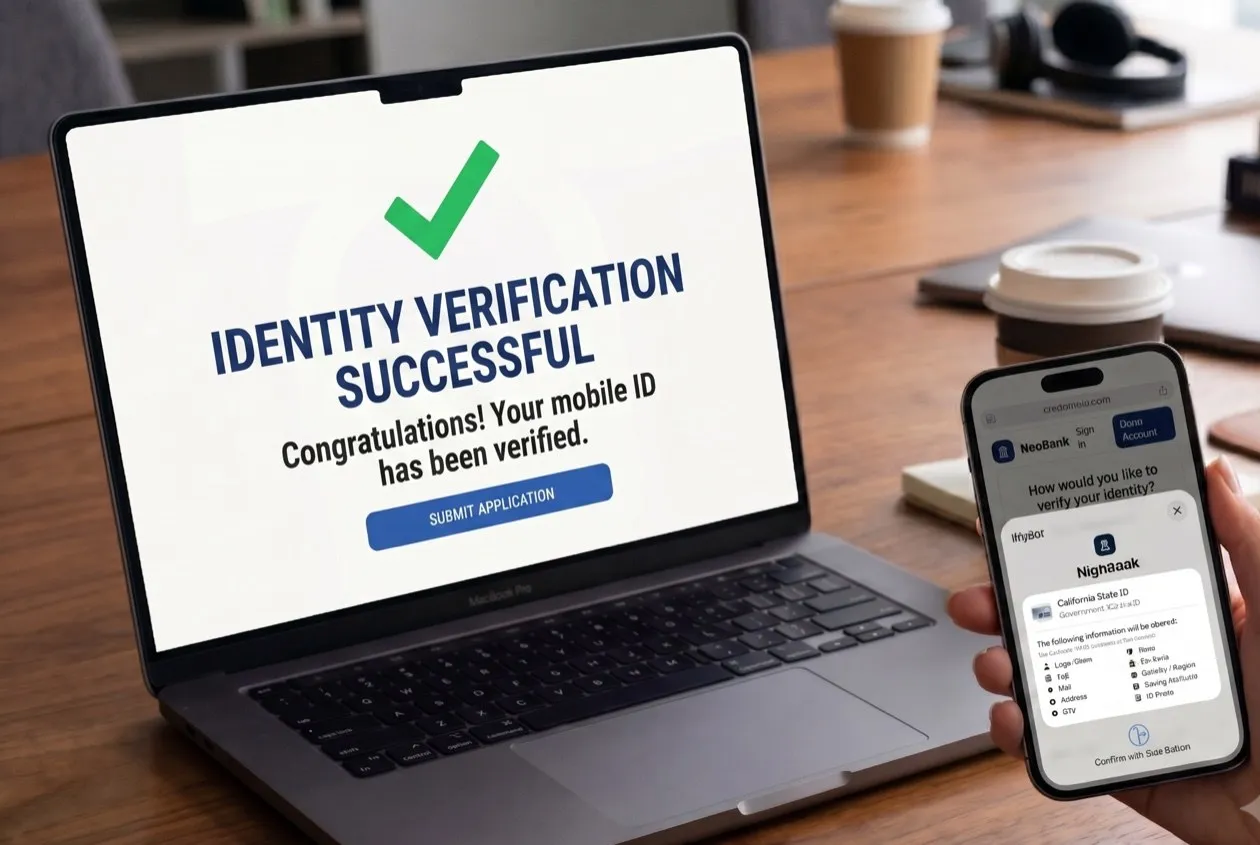
Why Photo ID Uploads Cost You Customers
Opening an account online still means photographing a plastic card. That step loses applicants who were ready to sign up, and hands your fraud team an image just as AI-generated fakes got good at passing image checks. Meanwhile, 20+ states and territories now issue a mobile driver’s license (mDL), and federal regulators have confirmed banks can use one to verify a customer. To keep up, banks need to upgrade their identity checks so they can accept an mDL and stop the fakes a photo check misses.
By Credence ID · Updated September 23, 2026 · 3 min read · Account Opening & ComplianceWhy Photo ID Uploads Lose Customers and Let Fakes In
Document upload asks the customer to do the verification work, and it fails in four ways.
Real Applicants Quit at the Photo Step
Front of the license, back, then a selfie, on whatever camera they have. Glare and focus decide the outcome, and every drop-off is a customer you already paid to acquire.
Legitimate Customers Get Rejected
A worn card or poor lighting gives a real customer a low score. They get failed or pushed into a step-up, and your risk team learns nothing.
AI-Generated Fakes Pass Image Checks
A document check grades a picture. AI-generated documents and deepfake portraits are built to pass that test, and they improve faster than detection does.
Mobile Driver’s Licenses Can’t Be Verified From a Photo
Mobile driver’s licenses are now issued across 20+ US states and territories. A photo upload flow can’t verify one, so those customers are sent back to photographing plastic.
“Every step-up you add (a manual review, a video call, a branch visit) is a cost you pay because a photograph could not settle the question.”
Banks Can Now Accept Mobile Driver’s Licenses for Account Opening
On September 8, 2026, FinCEN, with the Federal Reserve, FDIC, NCUA and OCC, issued updated FAQs on mobile driver’s licenses and other government-issued digital credentials. For a bank, that means:
- Banks and credit unions may use a mobile driver’s license to verify a customer opening an account.
- An unexpired mDL counts as government-issued ID under the Customer Identification Program (CIP) rule, if it evidences nationality or residence and bears a photograph or similar safeguard.
- It’s optional: the rule neither requires nor prohibits it.
- A credential showing signs of fraud must still be treated as fraud.
- A credential qualifies if it is digitally signed by the issuer, cryptographically bound to the device, and protected by an activation factor such as a PIN or a biometric. That is the FAQ’s definition of a verifiable digital credential, not an extra hurdle.
- The bank needs the appropriate technology or systems to extract the relevant information from the credential.
Why it matters: an mDL is signed by the issuing state and locked to the customer’s phone, so you can confirm it’s genuine instead of judging a photo of a card.
NIST’s NCCoE draft guide SP 1800-42 applies the same standards to bank account opening, with JP Morgan Chase, Wells Fargo, Capital One and PNC Bank among its project collaborators.
One Integration Covers Online Applications and the Branch Counter
Tap2iD™ Cloud SDK verifies the same mobile driver’s license wherever the customer is: on your website at eleven at night, or at the counter the next morning. One integration covers both channels, so your online flow and your branches read the same credential and record the same evidence. It checks the issuing state’s cryptographic signature, so a forged or altered credential fails the signature check, and it works with Apple Wallet, Google Wallet, Samsung Wallet and state wallets, with nothing for the customer to install.
How Customers Verify Online in Four Steps
- 1
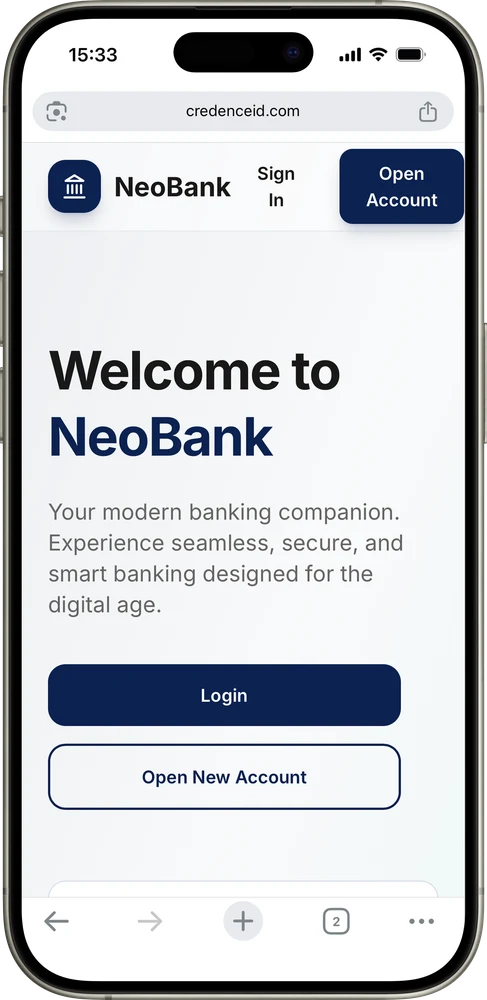
Customer starts online application to create a bank account
- 2
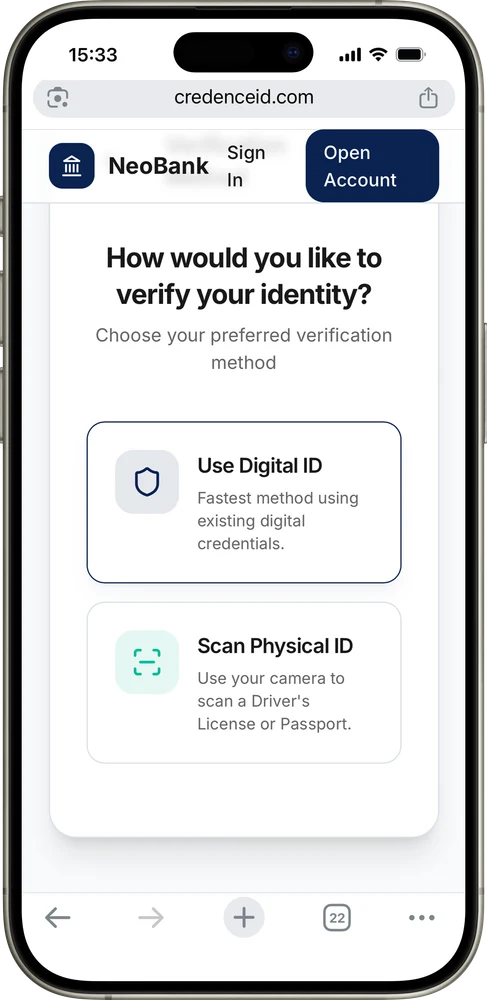
Customer chooses to verify with their mDL
- 3
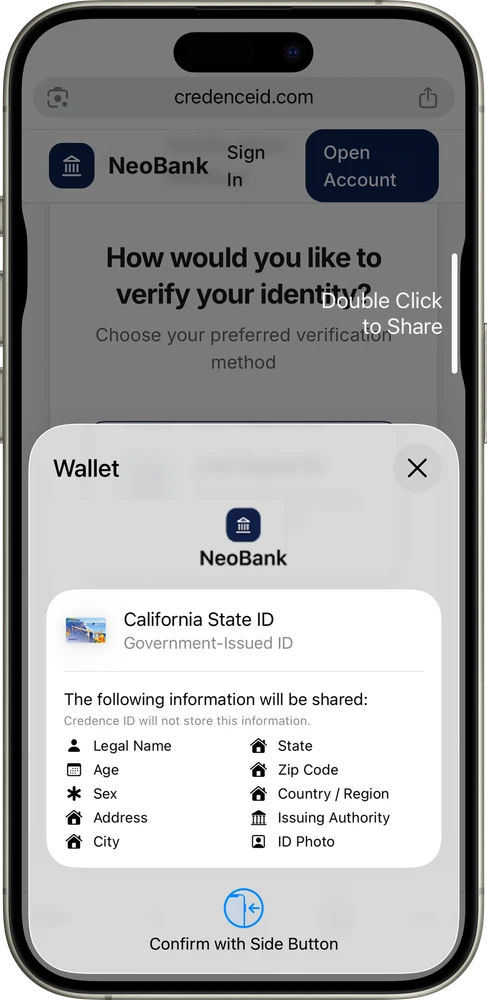
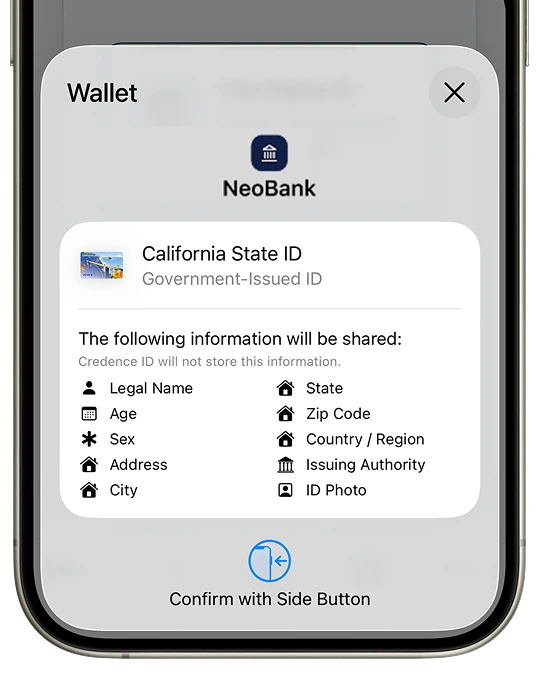
Customer reviews information requested on their phone and can approve or deny
- 4
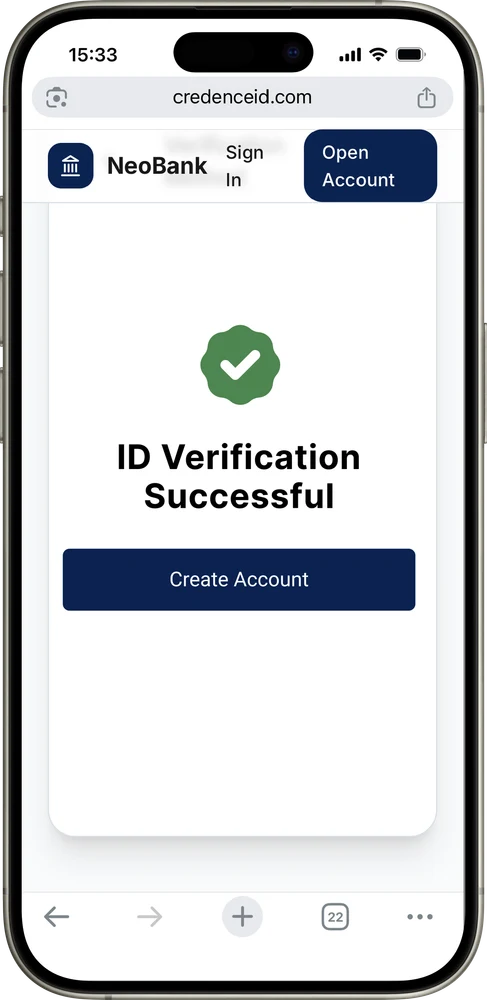
Once the customer has confirmed the information requested by your business, the mDL is verified
On supported browsers the request happens in the page. Everywhere else, the customer scans a QR code and approves on their phone.
More and more US residents can get an mDL as 20+ states and territories now issue one. Customers who do not have one yet keep using your current ID check, so the mDL path is an addition rather than a replacement.
The Same mDL Works at the Branch Counter
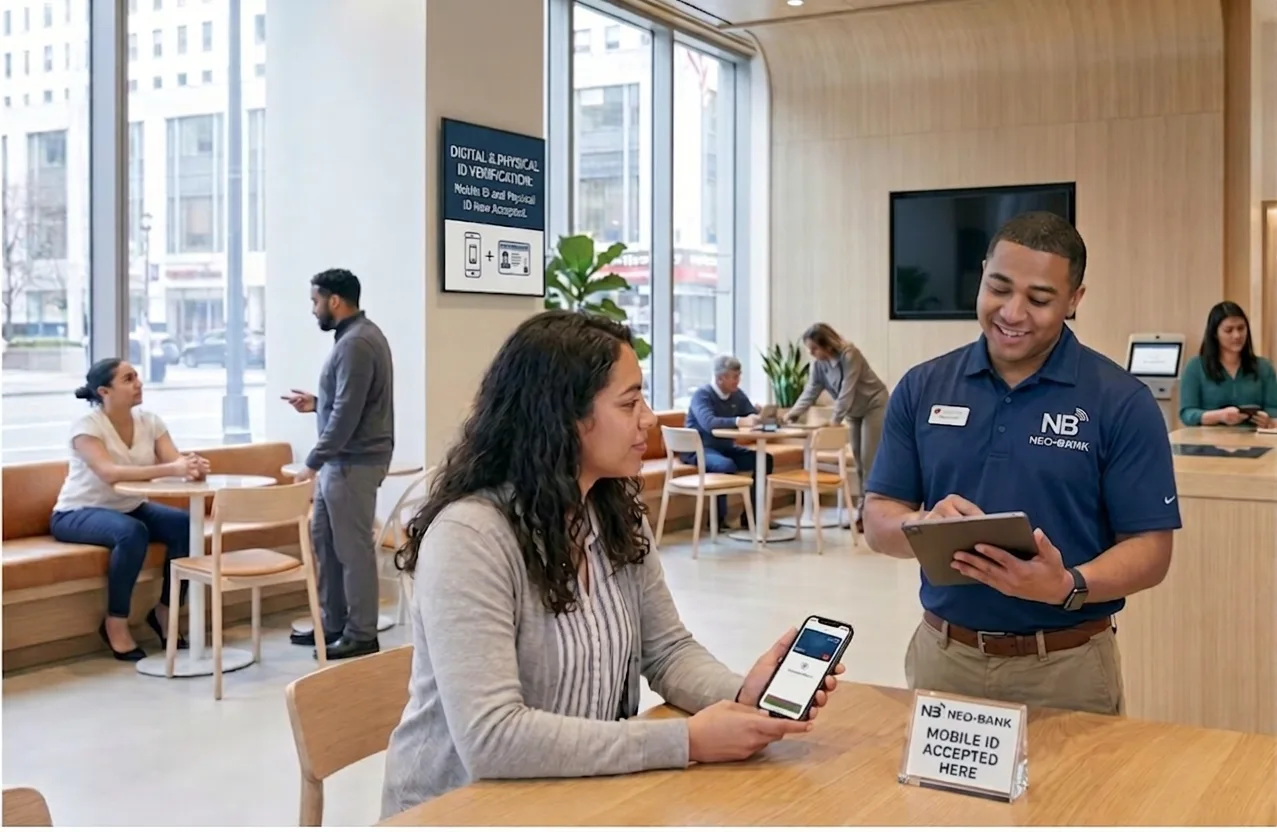
The same credential works at the counter. Staff verify the mDL and the customer’s details fill in automatically. Customers who bring a physical ID still go through your standard process, so the mDL path runs alongside it rather than replacing it.
Verified Data Fills the Application for You
Verified name, date of birth, address and portrait fill the application automatically, so verification and data entry become one step. Your bank receives and keeps the verified fields your CIP record needs. Credence ID never stores them.
Standards: ISO 18013-5 for in person, ISO 18013-7 and OpenID4VP for the online exchange, plus the W3C Verifiable Credentials Data Model and the W3C Digital Credentials API.
What Changes When You Verify Credentials, Not Photos
- Faster sign-ups. Verified details fill the application, so fewer applicants drop off.
- Tested, not scored. The issuer’s signature verifies or it doesn’t.
- Device binding. Screenshots and shared images won’t pass.
- Clear audit trail. Every check and its result is recorded.
- Less data to hold. Request only what the check needs. Your bank keeps its CIP record, and Credence ID stores none of it.
- Fewer manual reviews. A definite result ends most step-ups.
- One integration. Online and in branch, across every major wallet.
Start With a 90-Day Trial on One Product
The photo was always a stand-in for proof, and it’s now the easiest part of your flow to fake. Run a fixed-price 90-day trial on a single product, such as checking accounts: the mDL check sits alongside your current identity step, a dashboard tracks every verification, and we walk your team through a readout at the end. You finish the quarter with your own completion and fraud numbers, not ours.
Ready to Accept Mobile Driver’s Licenses?
Start accepting mobile driver’s licenses on one account opening flow, or talk to our team about adding Tap2iD™ Cloud SDK to your onboarding.
Questions Banks Ask Before Accepting Mobile Driver’s Licenses
Is a mobile driver’s license CIP-compliant?
It can be. On September 8, 2026, FinCEN and four banking agencies confirmed that an unexpired, government-issued mobile driver’s license may count as government-issued identification under the Customer Identification Program rule, provided it evidences nationality or residence, bears a photograph or similar safeguard, and your own CIP permits it. The rule neither requires nor prohibits accepting one.
What if the customer does not have an mDL?
They keep using your current identity check. Not every customer holds an mDL yet, so the mDL path runs alongside document upload rather than replacing it, and the mix shifts on its own as more states issue.
What data does Credence ID store?
None of the customer’s credential data. Tap2iD Cloud SDK returns the fields your application requested, along with the outcome of each check, straight to your bank. Your bank receives and keeps the verified fields its CIP record needs, and Credence ID stores none of them.
Which states and wallets does it support?
Mobile driver’s licenses held in Apple Wallet, Google Wallet, Samsung Wallet and state wallets, using the ISO 18013-5, ISO 18013-7 and OpenID4VP standards those wallets implement. The mDL state tracker lists which states and territories issue today and which wallets each one supports.
How does this stop AI-generated fake IDs?
A document check grades a picture, which is what generated documents are built to pass. Verifying an mDL tests the issuing state’s cryptographic signature and whether the credential is bound to the presenting device, so a forged or altered credential fails the signature check rather than scoring well on an image.
How much work is the integration?
It is a change to one step of one flow. Tap2iD Cloud SDK is web-embeddable, so your account opening page calls it at the identity step, you configure once which data elements each check requests, and there is nothing for the customer to install and no hardware in the remote path.
Related Resources
Tap2iD™ Cloud SDK
Web-embeddable SDK that returns cryptographic proof of identity from any wallet, with no PII stored.
Explore the SDKTrackerMobile Driver’s License State Tracker
See which states and territories issue a mobile driver’s license, and which wallets each one supports.
View the trackerDeveloper DocsCloud SDK Integration Guide
Step-by-step developer documentation for adding Tap2iD Cloud SDK to your web application.
Read the docs